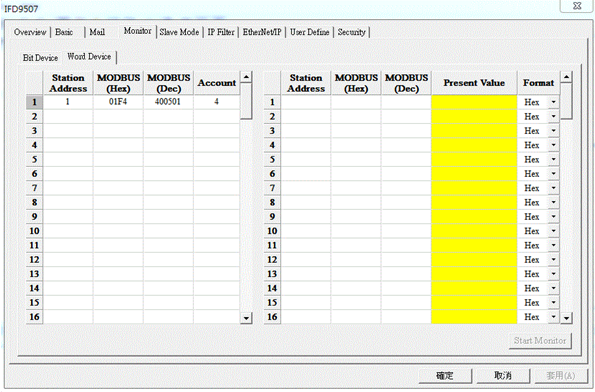
How do I set up the Compact Modular Mid-range PLC AS300 Series and the 1-Port MODBUS-to-EtherNet/IP Converter IFD9507 Series?
1. Open Device Setting in HWCONFIG, click “Ethernet Port Basic Setting” and download the IP parameters to the PLC.

2. Open “EIP Builder”.

3. Manually drag the device to the Network View, or click “Scan Network” in the View task bar to upload the online devices to the Network View via scanner.
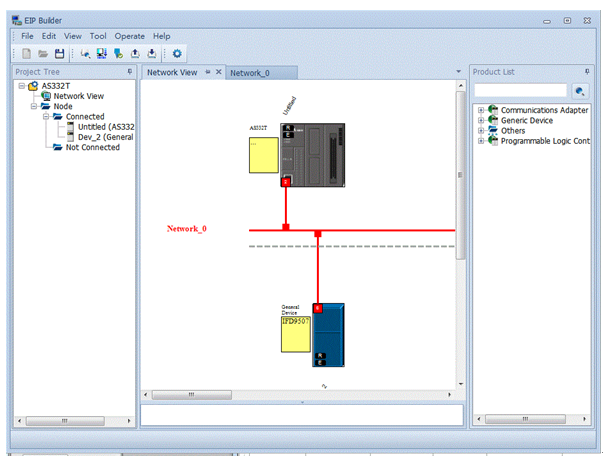
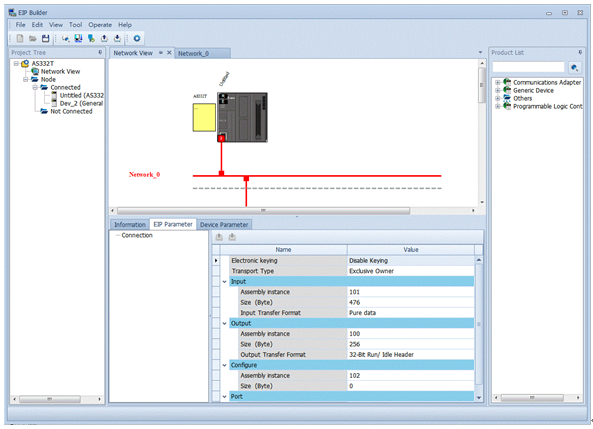
4. Set up the parameters of the 1-Port MODBUS-to-EtherNet/IP Converter IFD9507 Series.
5. Right click to open Data Mapping.
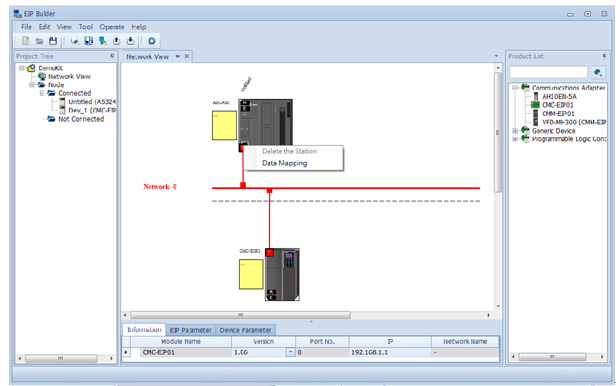
6. Set up the CPU Address/TAG and Adapter Address/Parameter/TAG, and then download these parameters to the PLC.
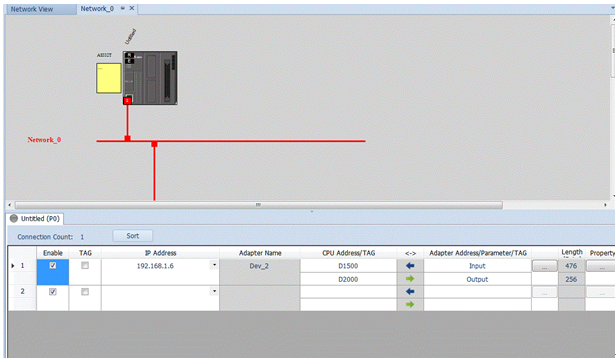
7. Set up the IP address of the IFD9507 Series and the monitoring information.