Press
Investors
Careers
Contact
Solutions
Products
Company
Sustainability
FAQ
Home
>
Services Support
>
FAQ
>
FAQ
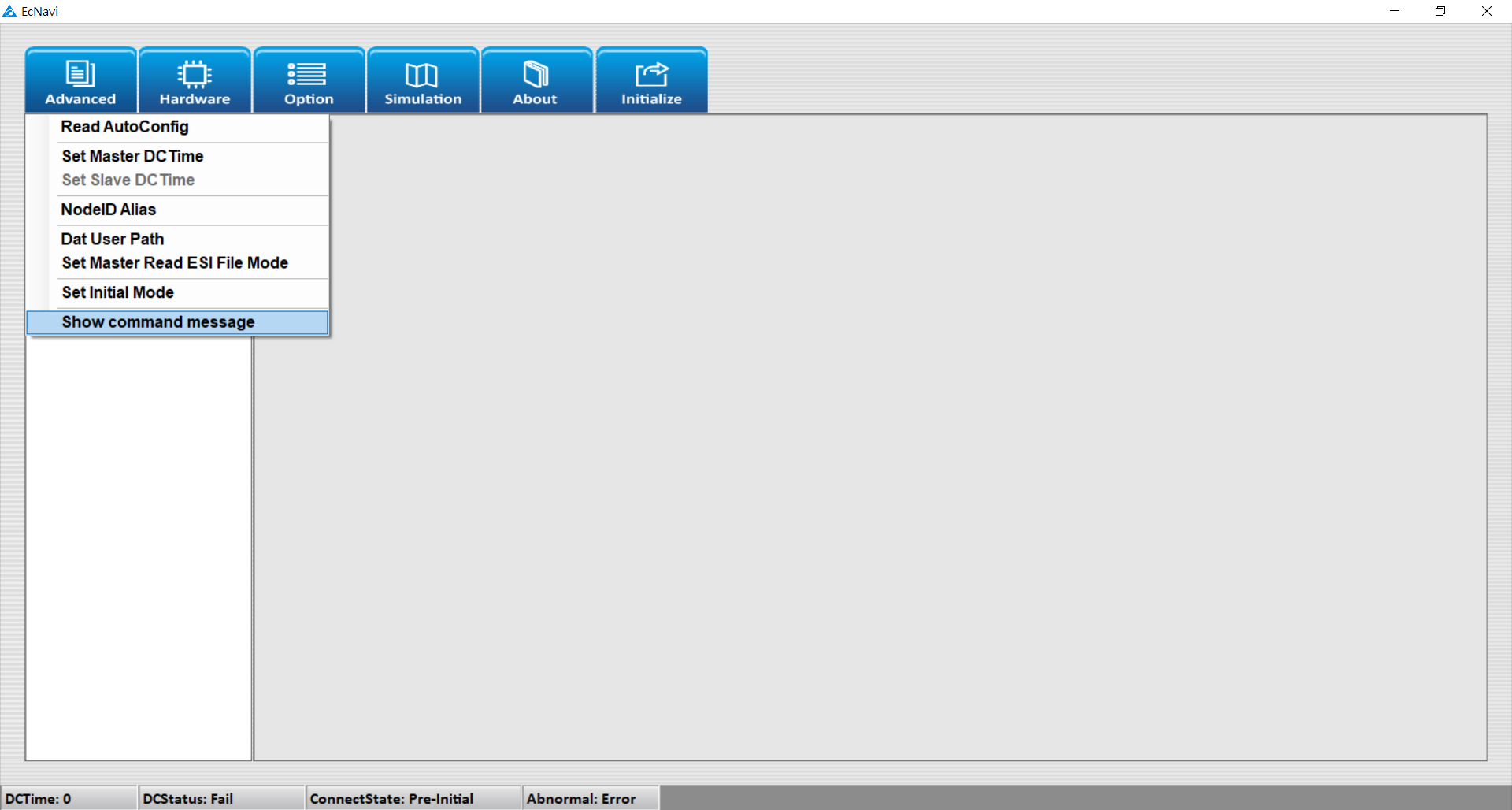
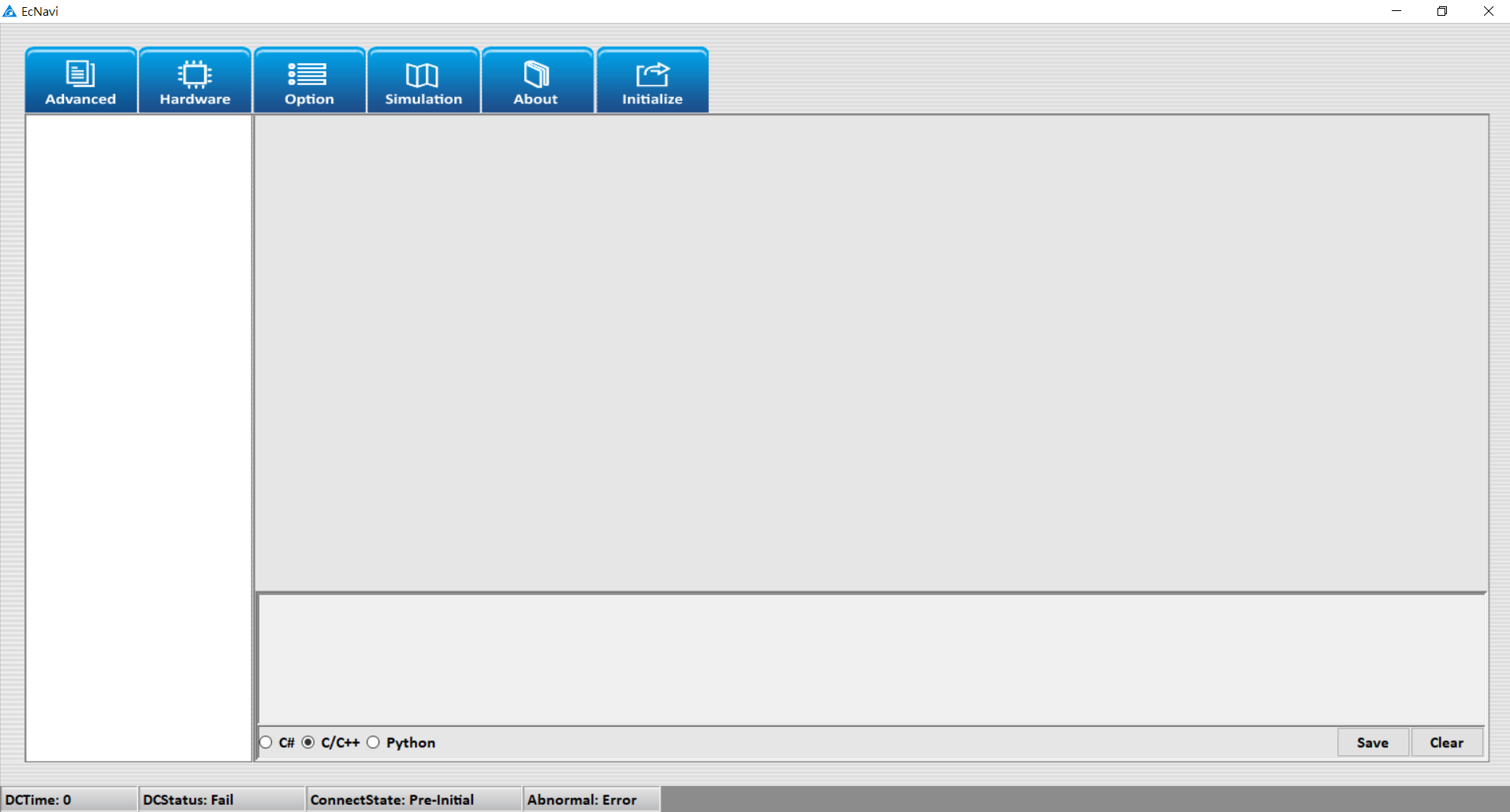
How do I open “Show command message” of the motion card?
Open EcNavi and click “Advanced”, then click “Show command message”, and choose your preferred programming language.
Contact Us
Have a question? We'd love to hear from you.
Inquiry