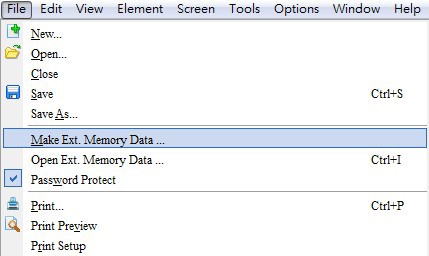
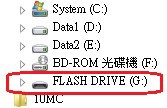
 Then, select the desired storage device (USB flash drive or SD card).
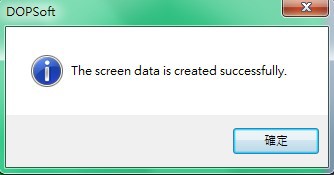
 After the screen data has been exported and downloaded to external devices successfully, the following message dialog box will pop up on the screen.
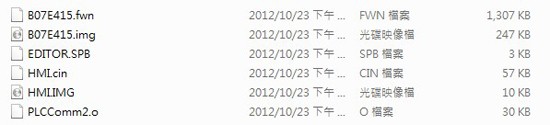
 When opening the folder named HMI-00X in a USB flash drive or SD card, you can see the following files contained in the directory.