1. Open the DMV-VGR Software and log in.
2. Click Manage at the top > click Cluster Trigger.
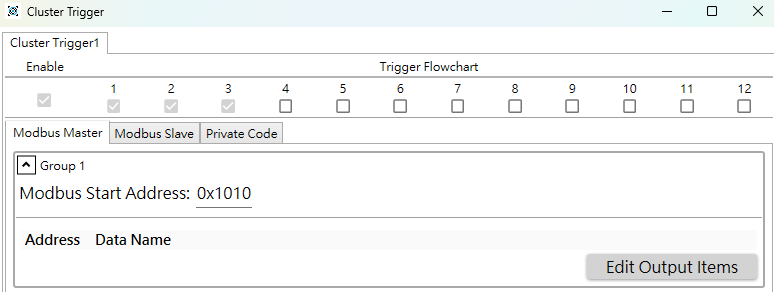
3. Check Enable > select the processes to trigger.
4. Configure the Modbus or private-code connection.
5. Once configured, different processes can be started via communication triggers.
 Keywords: Machine Vision, DMV-VGR Machine Vision Software