1. Click the
DIATwin Virtual Machine Development Platform icon.
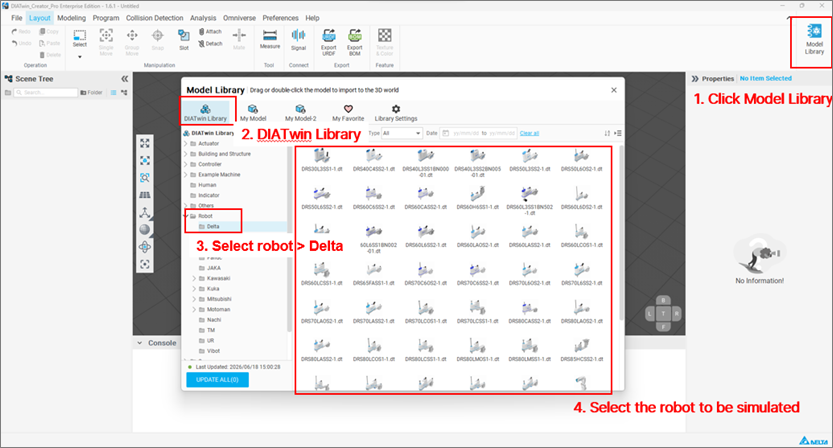
2. Open
DIATwin > Click the
Model Library on the right side.
3. Select
DIATwin Library > Click
Robot > Click
Delta to choose the desired Delta robot model for simulation.
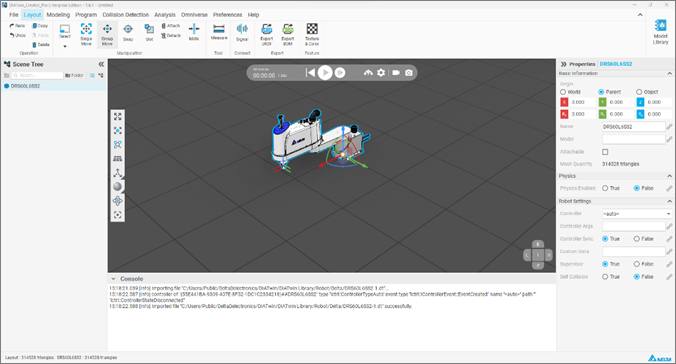
4. Click
the selected robot model > Import it into
the simulation window > Start
the simulation test.