1. Open DRAStudio. > Log in.
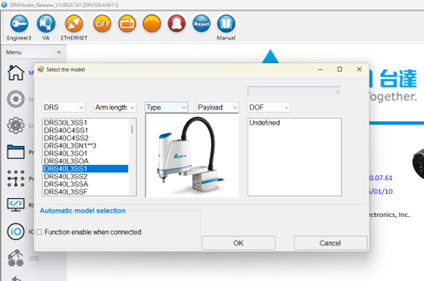
2. Click the VA icon on the top toolbar to open the model select window.
3. Select DRS40L3SS1 > Click OK.
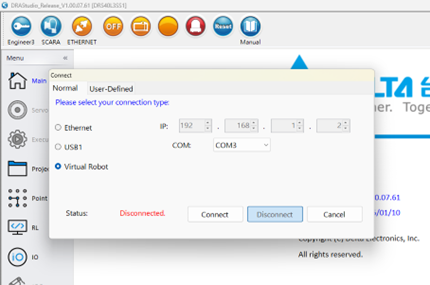
4. Click the ETHERNET icon on the top toolbar to open the connection window.
5. Select Virtual Robot > Click Connect.
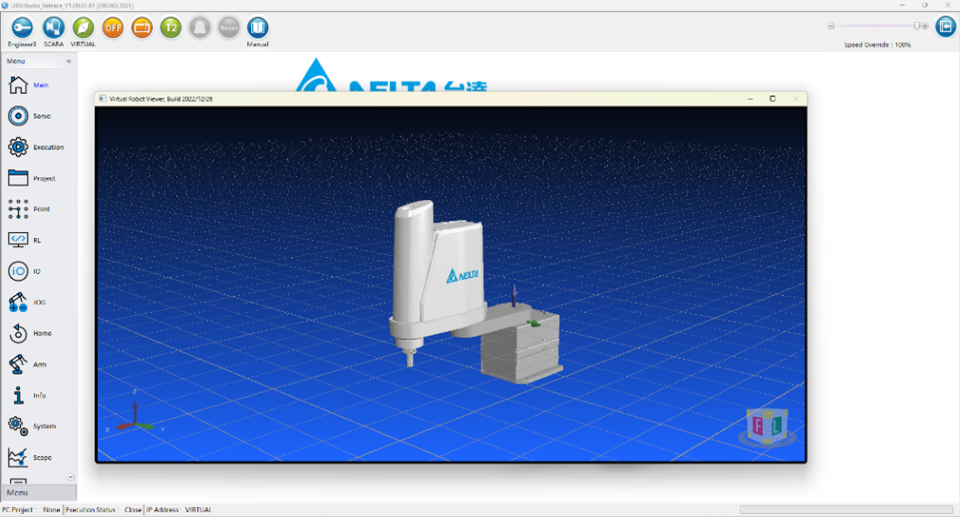
6. Once connected, the robot simulation screen will appear.