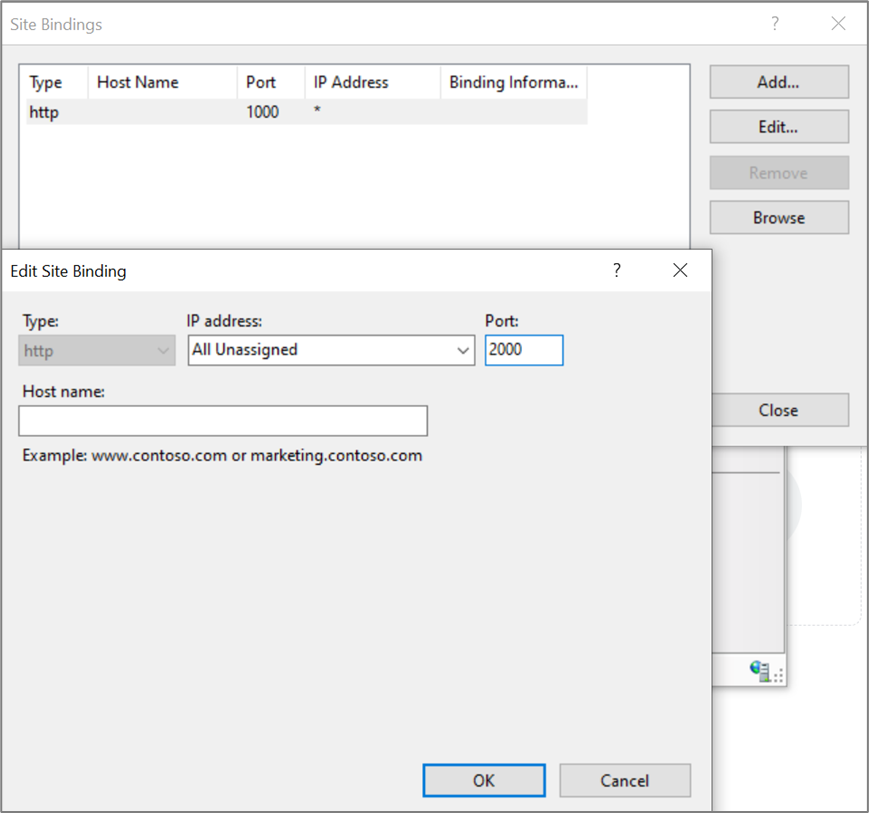
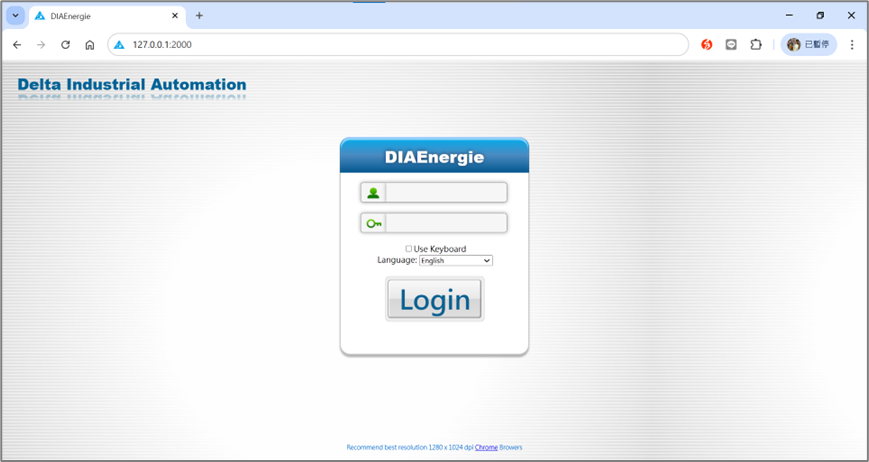
The default port number for DIAEnergie is 1000. To change the port number, please configure it in Internet Information Services (IIS) Manager.
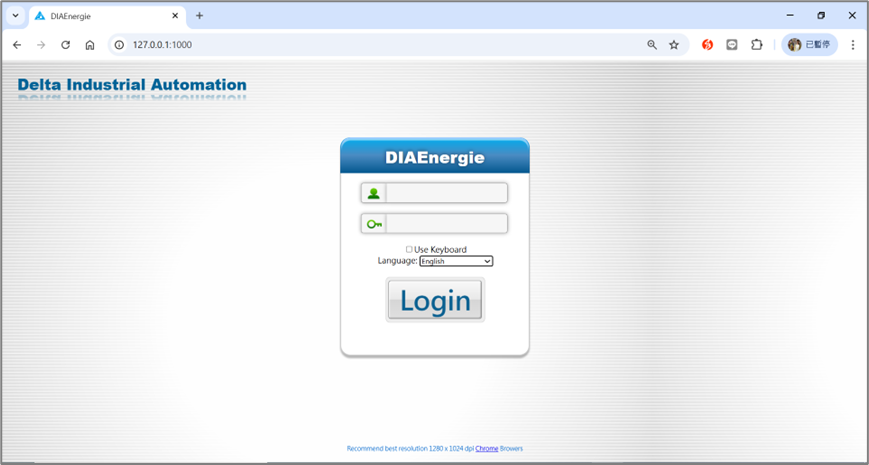 Follow the steps below:
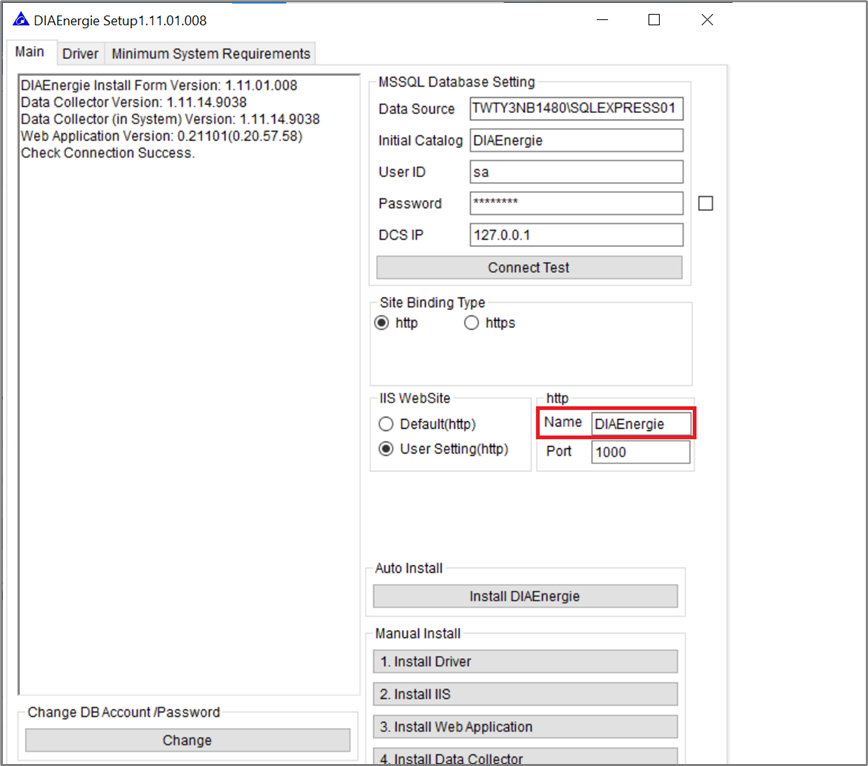
1. Open DIAEnergie Setup > Click Connect Test > Set IIS Website to User Setting (http) > Check the http Name (e.g., DIAEnergie).
 2. Open Internet Information Services (IIS) Manager > Locate the corresponding site name (DIAEnergie) > Click Edit Bindings >
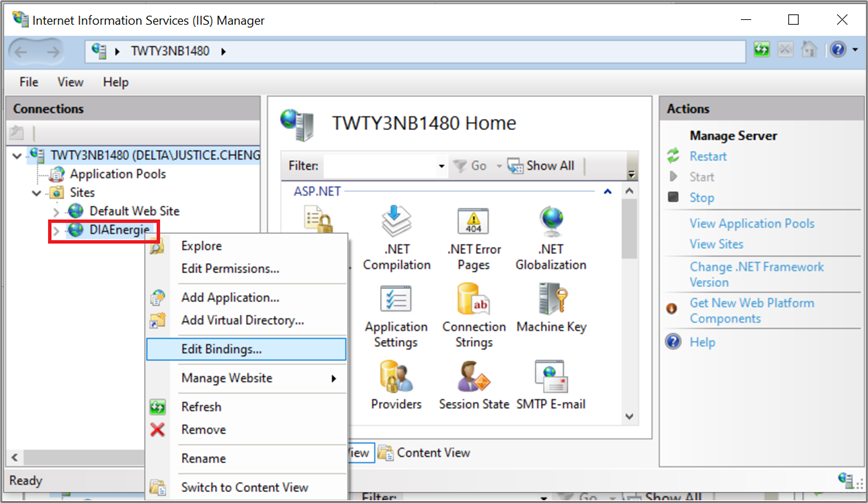
Select
port 1000 > Change
the port number to 2000. You can then access the webpage via 127.0.0.1:2000.