Press
Investors
Careers
Contact
Solutions
Products
Company
Sustainability
FAQ
Home
>
Services Support
>
FAQ
>
FAQ
How do I configure the default units of screwing and torque for the Delta Smart Screwdriving System?
1. Click on
Home
>
Controller
>
Settings
, and then select
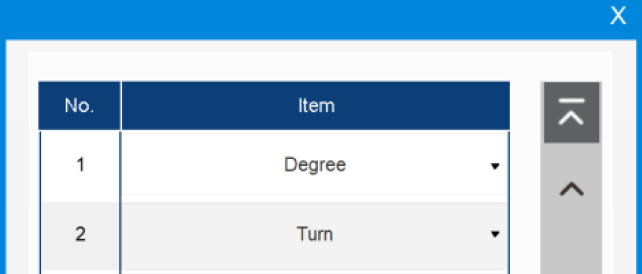
Default Angle Unit
to switch between
Degrees
and
Turns
.
2. Select
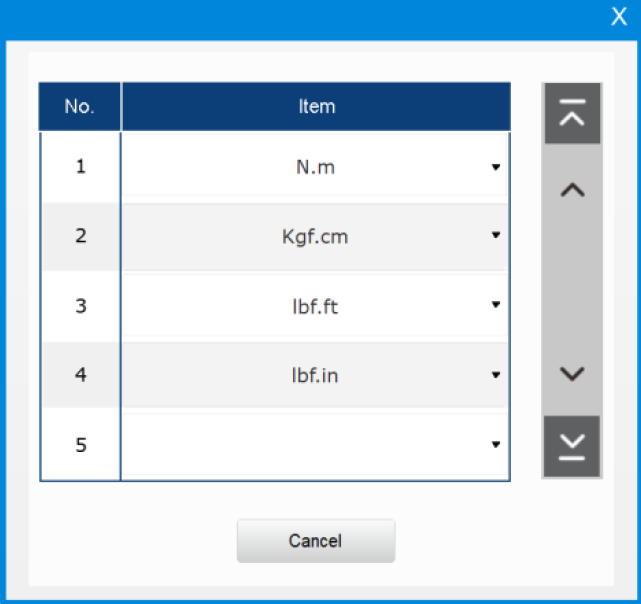
Switch the torque unit
to change the unit to N.m, kgf.cm, lbf.ft or lbf.in.
Contact Us
Have a question? We'd love to hear from you.
Inquiry