Press
Investors
Careers
Contact
Solutions
Products
Company
Sustainability
FAQ
Home
>
Services Support
>
FAQ
>
FAQ
How do I install EDS files on the PC-Based Motion Controller AX-8 Series?
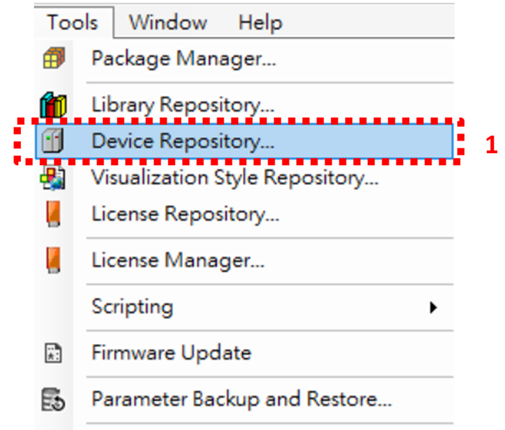
Click "Tools" on the menu bar, and click "Device Repository..." (See Image 1) → Click "Install" (See Image 2) → Select the EDS file to be installed → Click “Open”
Image 1
Image 2
Contact Us
Have a question? We'd love to hear from you.
Inquiry